“What does that card do?”
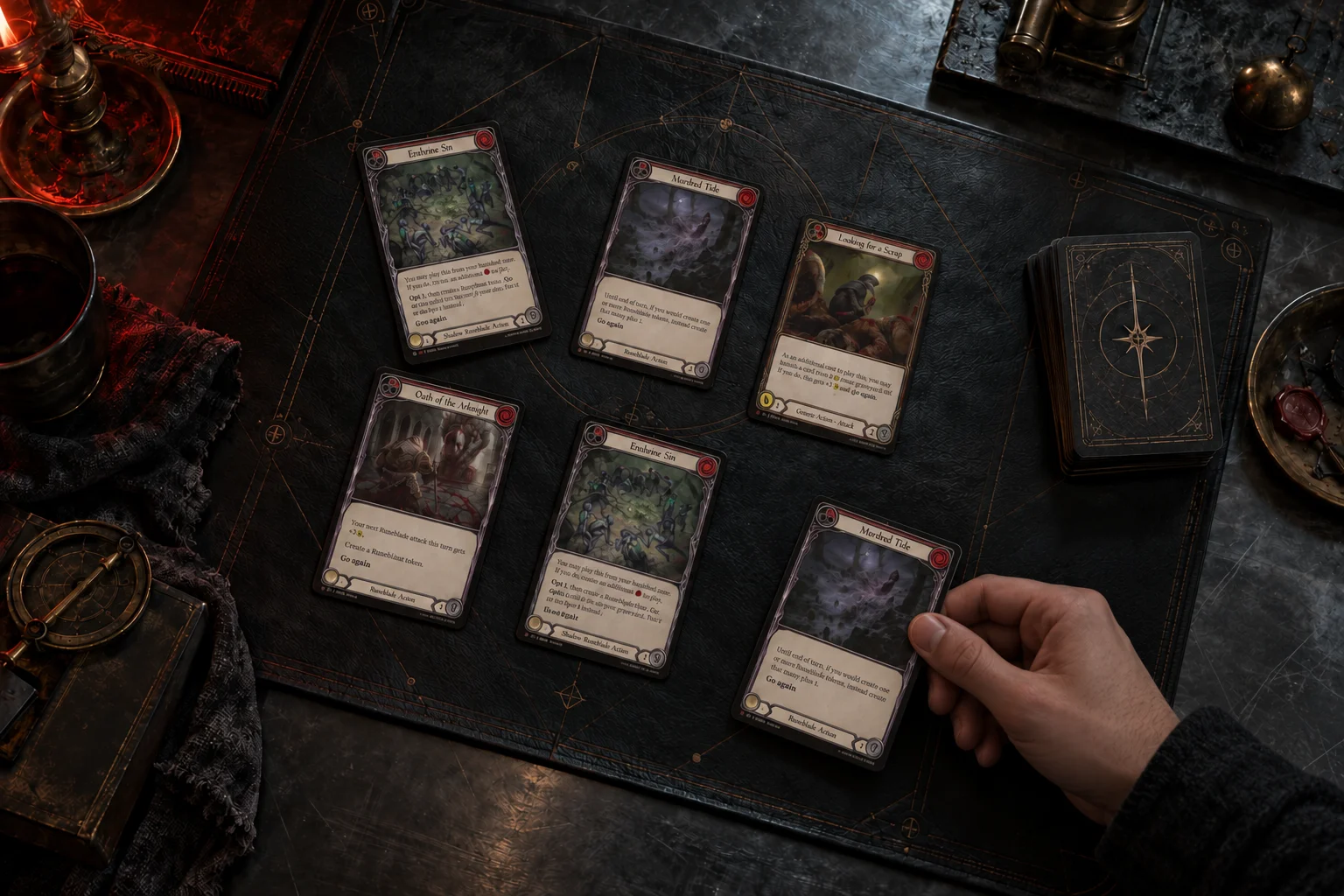
Inspect either playmat, open the full card image, and compare pitch variants. If the match misses, search and choose the card yourself.
The familiar feeling of a game with a friend.
Your cards, your playmat, their voice on the other side.
Play Flesh and Blood together over webcam.
Currently in Alpha Open to try. No account needed.
Access may change as the project develops.
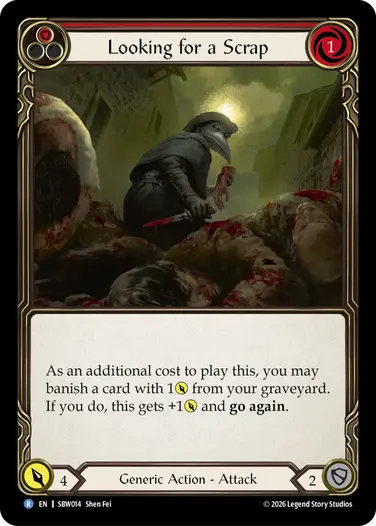 Looking for a Scrap Red · Generic Action — Attack
Try the health controls. Both players see the total at the real table.
Keep useful cards close. Your pins stay in your browser.
Concept artwork · simulated interactionBring your deck. Call a friend. We’ll keep a seat for you.
What you’ll needUnable to join that lobby. Please check its password and try again.
New tables start private. Choose a password for your opponent, or open the lobby when you want others to watch.
The camera brings you together. The little things keep the game moving.
Try the interactive previewInspect either playmat, open the full card image, and compare pitch variants. If the match misses, search and choose the card yourself.
Pin a card for your own reference. Your browser keeps your pins, ready to revisit without asking your opponent to hold it up again.
Shared health totals and a played-card feed keep the table in step. Open your lobby and let friends watch from either side.
Your physical Flesh and Blood cards, a camera aimed at your playmat, and ideally a microphone. A desktop browser is the best place to play; good light makes card lookup easier.
Of course. Join a public lobby and stay off the player seats. Watchers can see both feeds and inspect cards. Private lobbies require the host’s password.
Video and audio connect directly between participants. Other connected users may be able to see your public IP address, even if you’re watching. You’ll see a notice before connecting. If you’re concerned about someone seeing this information, a private lobby with your friends is the best option.
You can be in one lobby per browser, including across tabs. Joining another leaves the previous one. If the owner leaves, ownership passes to the next earliest arrival. An empty lobby resets after three minutes.